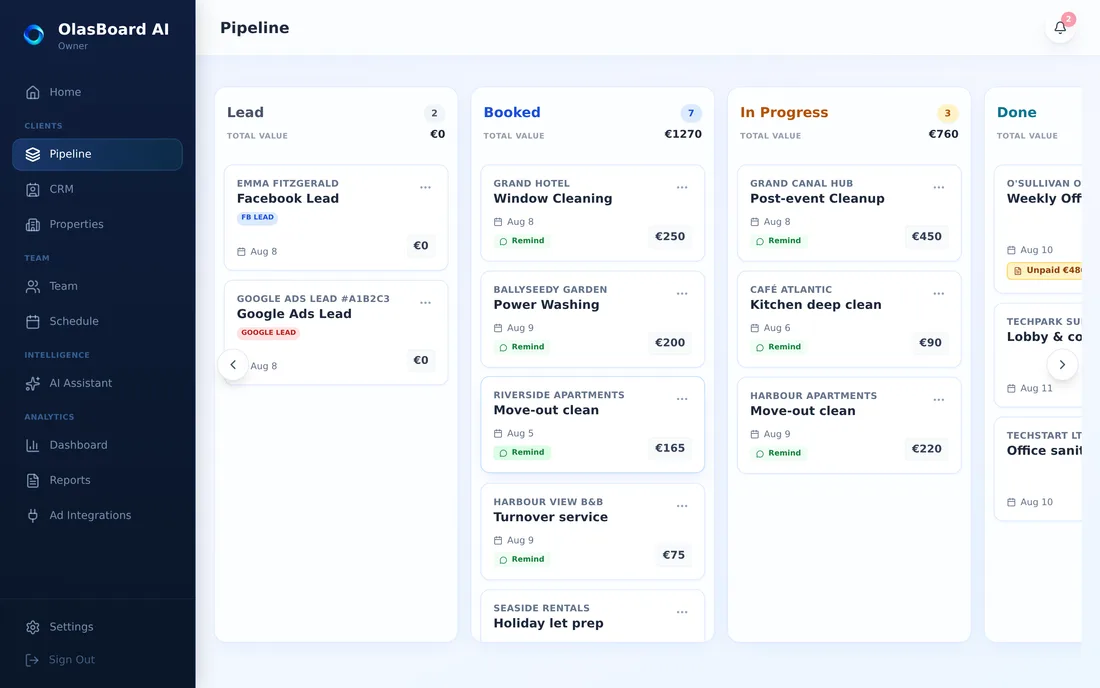
Visual job pipeline
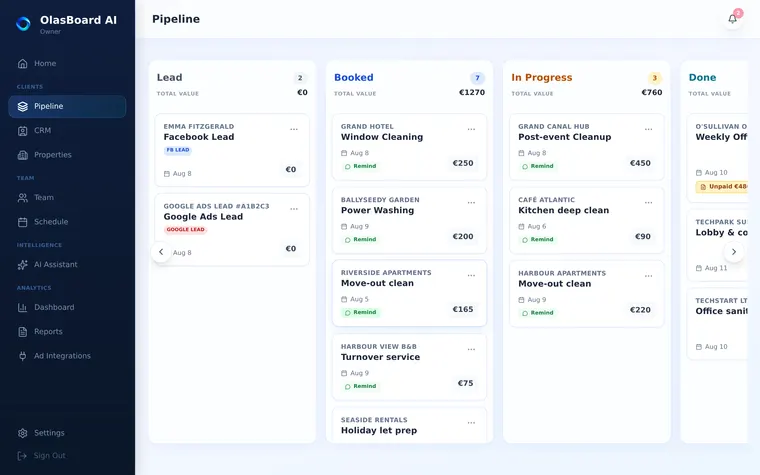
Lead → Booked → In Progress → Done → Paid. Drag a job across, and everything downstream follows.
A repair comes in, goes out to your contractors, and the first one free takes it - without you ringing anybody. Photos and costs sit against the property, so every owner report writes itself.
No card required · Cancel in one click
Offer the job once and they all see it. The first person free takes it, exactly one of them gets it, and you find out who without a single call. This is the whole reason the product exists.
Not here. Seats come with the plan, so a pool of fifteen trades costs the same as three.
Photos with a time and a name on them, attached to that job at that property. The argument has an answer instead of two accounts.
Jobs and costs attach to the property, so each unit has its own spend and history without anything being added up by hand.
Cannot happen. A job is taken by exactly one person however many tap at the same moment.
If an offer sits unclaimed you get told within hours, while there is still time to assign it directly.
Everything else follows from that. If you cannot see it, you cannot price it, chase it, or tell who is carrying the work.
Most tools tell you what somebody typed into them. These figures come off the work itself: the moment a job was taken, the moment it was started, the moment it was finished, the hours that fall out of that, and the photos attached while the person was standing there.
Nobody writes their own report card. That is the difference between a dashboard you believe and one you argue with.
Per-person performance reporting is on the Business plan. Job records, timings and photo proof are on every plan.
For anyone running a crew
The job goes to the whole crew at once and the first person free takes it. No calls, no group chat you have to keep track of afterwards.
Client, address, time, price. Thirty seconds, from the van.
One offer to everyone instead of five messages sent one at a time. Their phone buzzes.
Exactly one person gets it, however many tap at once - and nobody can take a job on top of one they already have.
It shows who took it. If nobody does, you hear about it in hours, not on the day.
Most tools in this category price per user, and “user” means anyone with a login - your crew, your subcontractors, the person in the office. The bill grows every time you hire.
Here the seats come with the plan. €99 a month covers up to 20 people, and the price is the same whether 20 of them are working today or two.
Stop paying for five tools that do not talk to each other.
Lead → Booked → In Progress → Done → Paid. Drag a job across, and everything downstream follows.
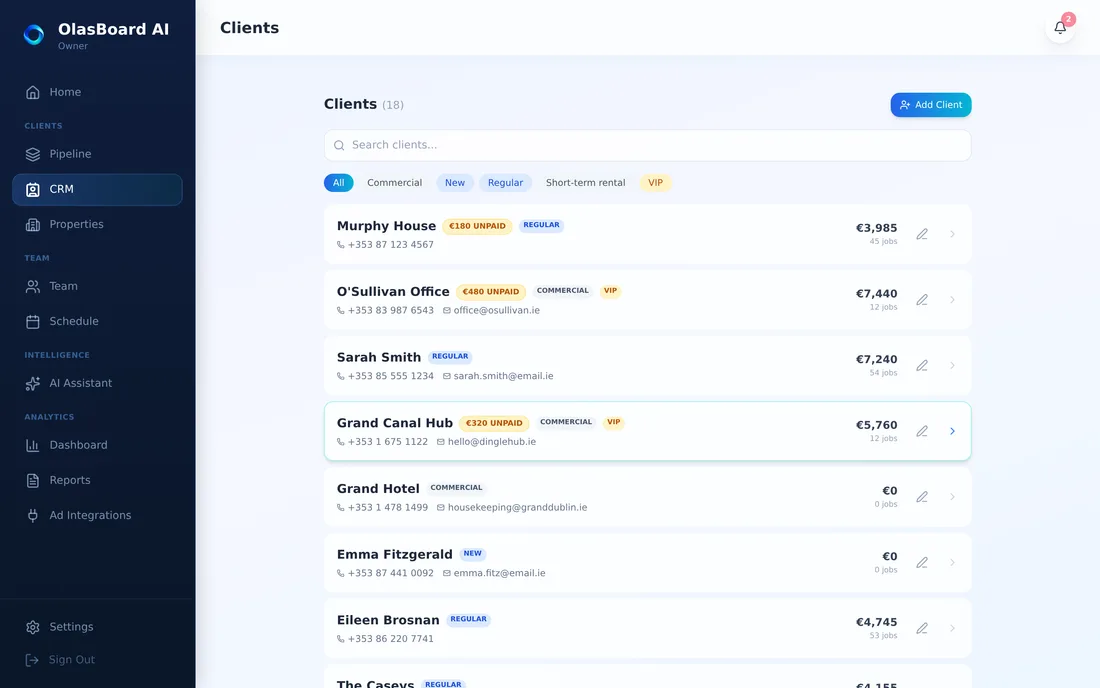
Every job, quote and invoice against the client, with what they still owe you on the same screen.
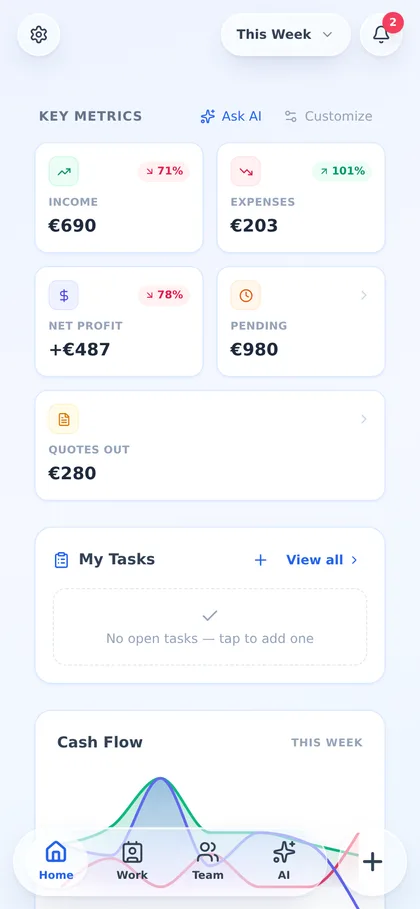
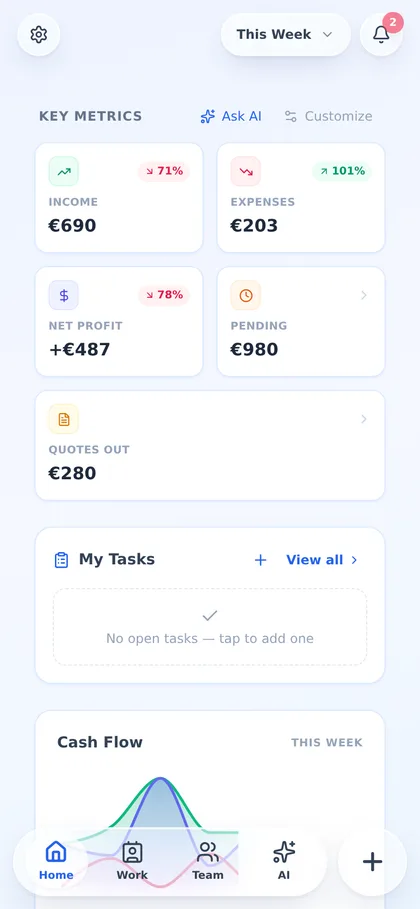
Income and expenses, split by job or general, receipts photographed and attached as you go.
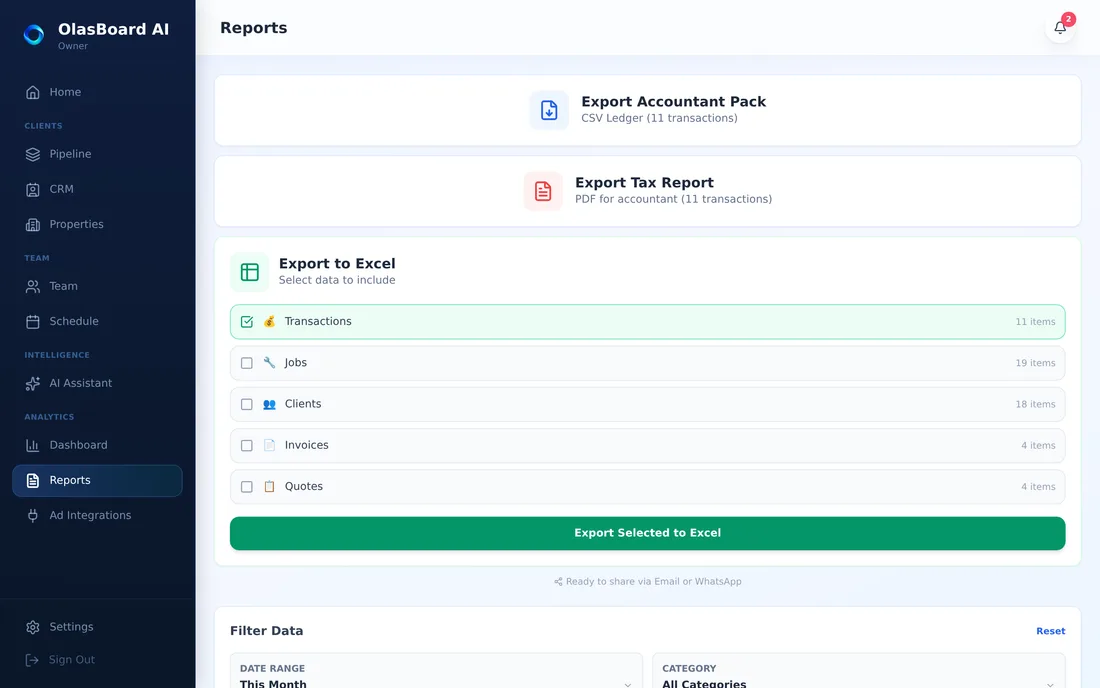
Tax report, profit by job and client, exported to Excel, CSV or PDF at the end of the quarter.
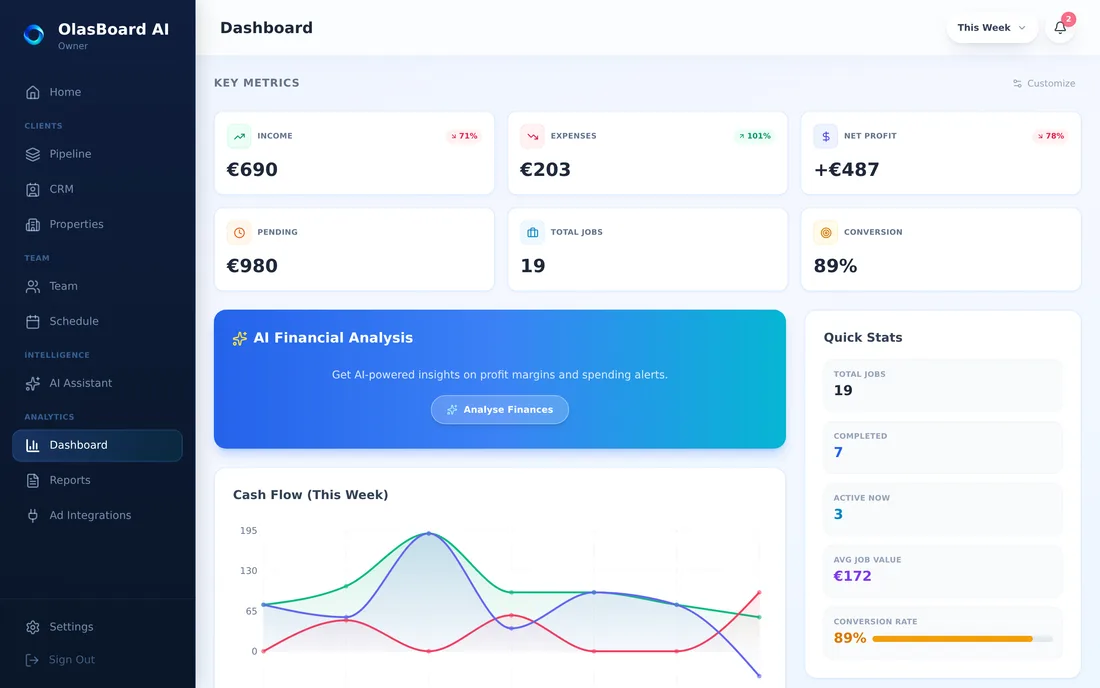
Revenue, expenses and profit by day, week, month or year - so a bad week reads as a bad week, not a crisis.
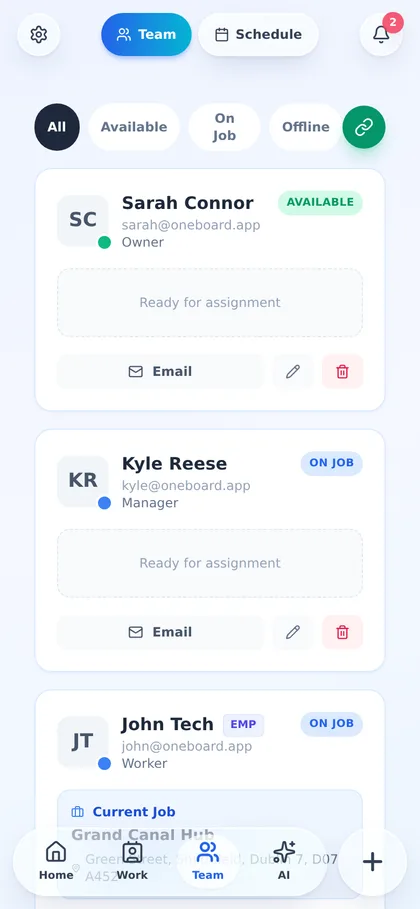
Invite people, set what they can see, and let workers claim jobs, run a timer and upload proof from their own phones.
Built in, not sold separately
It sees your pipeline, your invoices, your expenses and your crew - and answers the questions a good business partner would.
Ask by typing, by voice, or by photographing a receipt. It can book a job, write a quote or an invoice, record a payment and file a cost — and it waits for your tap before it writes anything. It does not email or WhatsApp the client, and it does not delete. Included from the €19 plan, not held back for an enterprise tier.
14 days free on Autopilot, no card required. Change plan or cancel any time.
Work, instead of doing paperwork
€19/mo
€16/mo billed yearly
One person
The app does the chasing, not you
€49/mo
€41/mo billed yearly
Up to 5 people
Keep everyone pointed the right way
€99/mo
€83/mo billed yearly
Up to 20 people
See where the money leaks
€199/mo
€166/mo billed yearly
Up to 50 people
Offer the job and your whole pool sees it at once; the first person free takes it. You can also assign directly. Either way exactly one person ends up holding it and nobody can take work that clashes with their day.
No. Seats come with the plan. Most tools in this category count every login as a paid user, which is what makes a contractor pool expensive to manage in software.
Yes. Jobs and expenses attach to the unit, so what each property has cost is a report rather than an evening of adding up.
You are told within a few hours rather than finding out on the day, so there is still time to assign it to somebody directly.
No. This is the maintenance side - jobs, contractors, proof and cost. Rent, tenancies and statements are a different product and this does not pretend otherwise.
Yes. The Worker role sees the jobs that are theirs and nothing else - not your client list, not your other contractors, not your margins.
14 days of the Autopilot plan, free. No card, no call, no setup project - you can have your first quote out this afternoon.
Or try the demo logins first - they run on sample data and never touch a real account.